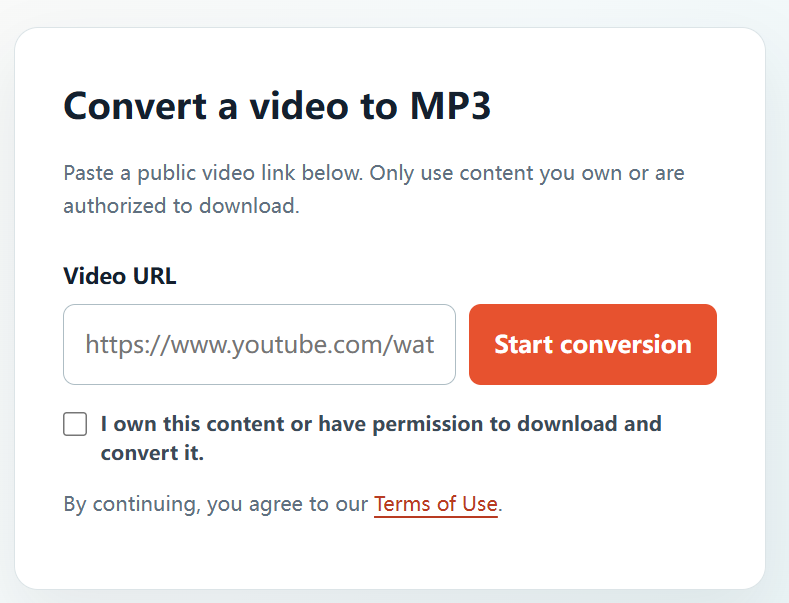
Saving audio from your own upload can help you organize a content library or prepare material for a permitted next step. YTBMP3.NET provides a direct way to make that MP3 copy from a public link you control.
Review every element in your video
Even a video on your own channel can contain music, footage, or voices from others. Before saving an MP3, check that your rights and licences cover the audio-only copy and any use you intend to make of it.
Save your own video audio
- Open the public video from your YouTube channel.
- Copy the full URL.
- Open the YTBMP3.NET converter and paste the URL.
- Confirm that you own or are authorized to convert the content.
- Start conversion and wait with the page open.
- Download the MP3 and place it in your project archive.
Build a usable archive
- Use a consistent naming pattern for project audio.
- Keep a separate folder for approved source media.
- Note any music licences or contributor restrictions.
- Use your original master recording when you need the highest-quality source.
Keep future reuse clear
Documenting the source and its permission status now makes later editing and publishing easier. Do not share or repurpose the MP3 outside the scope of your rights.
Frequently asked questions
Can I save audio from every video on my own channel?
Only if you hold or have permission for the underlying audio and all included third-party material.
Why keep the original master?
The original project media is generally the better long-term archive and editing source.