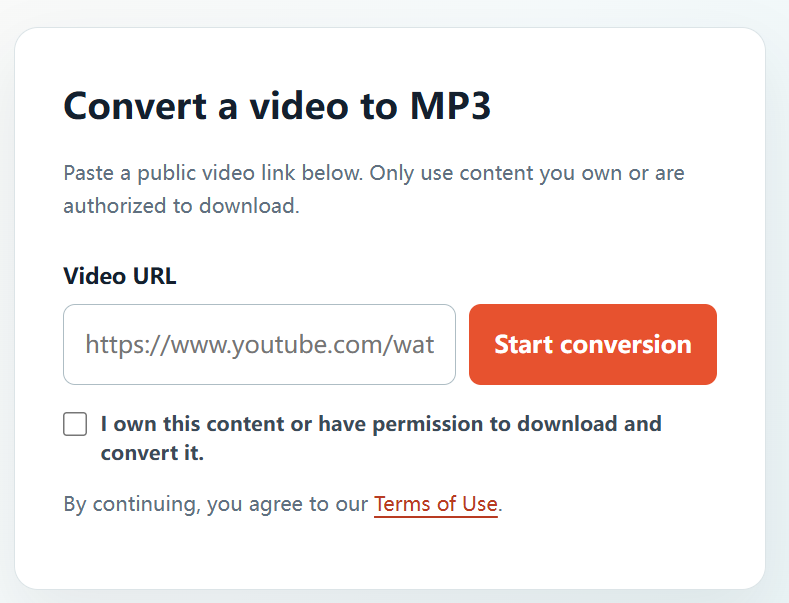
A complete video URL lets the converter identify the specific approved source you want to process. For creators and teams managing their own material, this can make it easier to prepare an audio-only project file.
Permission comes first: Only use YTBMP3.NET for video or audio that you own or are explicitly authorized to download and convert. A public link does not automatically give permission to make a copy. This guide is general information, not legal advice.
Use a complete and authorized link
Copy the full address from the video page or Share menu. Confirm that it is a public video and that you have the right to create an MP3 copy. A vague title or a partial link is not enough.
Make an MP3 from the video link
- Open the YouTube video you are authorized to use.
- Copy its complete public URL.
- Paste the link into YTBMP3.NET.
- Select the permission confirmation only after checking your rights.
- Start the conversion and keep the page open.
- Download the MP3 when processing finishes.
Link and file tips
- Recheck that you pasted the correct URL before conversion.
- For a series, name files with episode or project identifiers.
- Keep your rights documentation with the downloaded audio.
- Avoid submitting links for content you do not control.
Use a link responsibly
A link provides access to a source; it does not create a licence to copy the source. Make sure your download and any later reuse are authorized.
Frequently asked questions
Why does the converter need the full URL?
The full public URL identifies the exact video you are authorized to convert.
Can I use a shortened link?
A full public YouTube URL is the most reliable option for conversion.